



Description
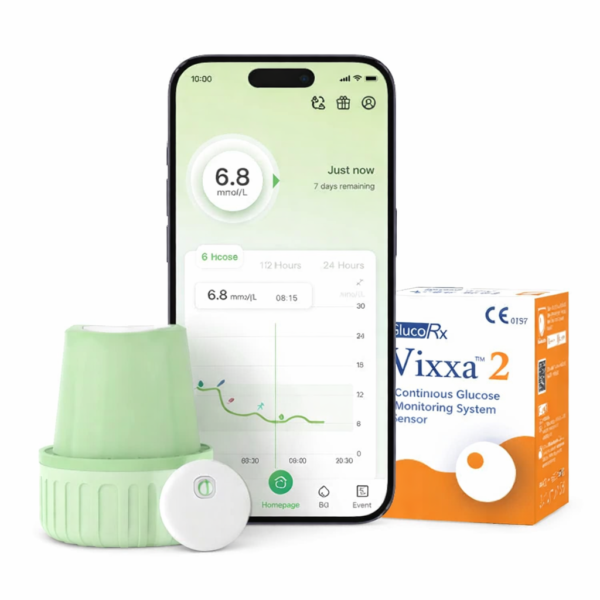
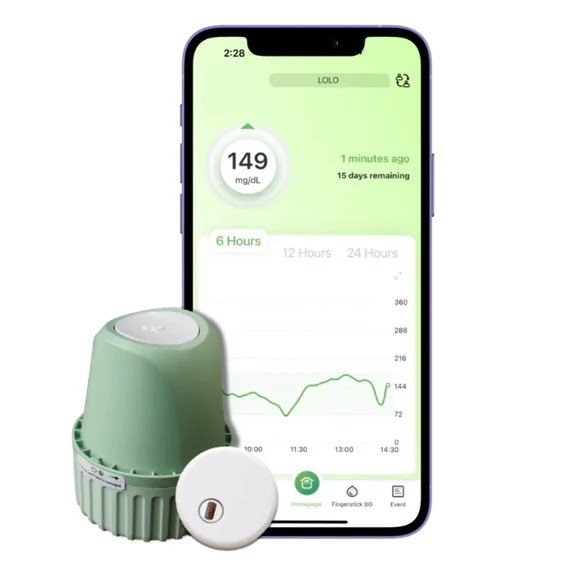
GlucoRx Vixxa 2 CGM Glucose Monitor Device
Using the Device:
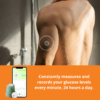
It is a real time, continuous glucose monitoring device. when the system is used together with compatible devices, it is indicated for the management of diabetes in adults (age 18 and older) It is designed to replace fingerstick blood glucose testing or diabetes treatment decisions. Interpretation of the system results should be based on the glucose trends and several sequential readings over time. The system also detects trends and tracks patterns, and aids in the detection of episodes of hyperglycaemia and hypoglycaemia, facilitating both acute and long-term therapy adjustment.
STEP 1: Install Vixxa App
STEP 2: Register an E-Mail Account
STEP 3 : Apply the Sensor
Description :
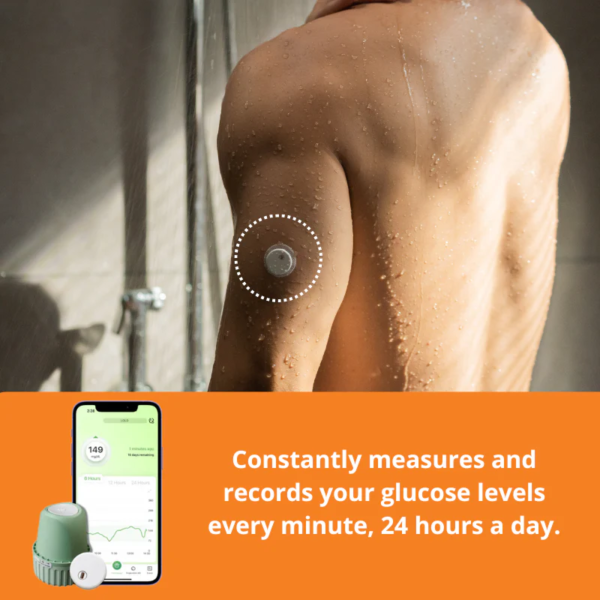
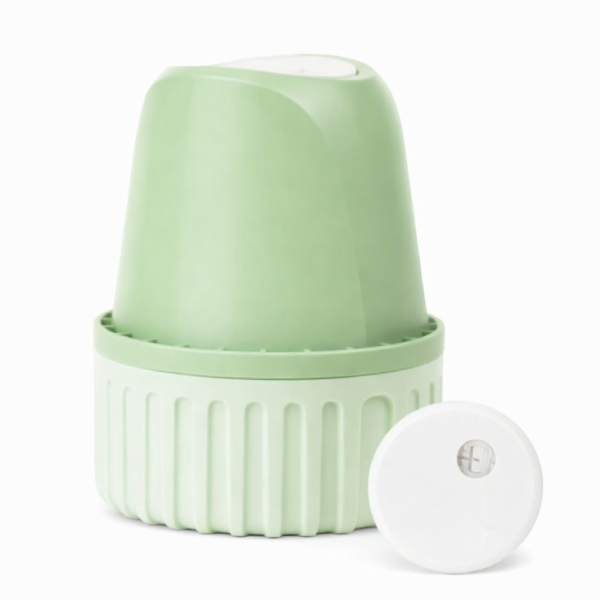
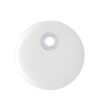
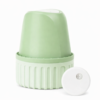
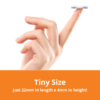
The Sensor is located inside the Sensor Applicator. Follow the instructions to prepare and apply the Sensor on the back of your upper arm. The Sensor has a small, flexible tip that is inserted just the skin. The Sensor can be worn for up to 15 days.
Action 1 : Select the back of the arm as the insertion site. ( Avoid the muscle on the outer side of the upper arm.)
Action 2 : Disinfect the insertion site with an alcohol wipe and let it dry completely.
Action 3 : Unscrew the cover of the applicator and set it aside.
Action 4 : Align the opening of the applicator with the insertion site tightly and press the white implantation button of the applicator. After hearing the sound of the spring retreating, the sensor will be inserted underneath the skin and the puncture needle will automatically retreat back into the applicator.
Action 5 : Gently pull the sensor applicator away from the body, and the sensor should now be attached to the skin.
Action 6 : After installing the sensor, make sure that the sensor is firmly in place. Use your fingers to flatten the edge of the sensor to avoid wrinkles and warping.
Step 4 : Pair Sensor with Vixxa App
- Log in on the Vixxa App.
- Make sure the phone’s Bluetooth is turned on.
- Click ” pairing” on the home dashboard.
- Select and click the correct SN Number of the sensor listed on the Nearby Device list. ( make sure the selected SN number is in accordance with the number printed on the packaging box and the applicator cover. )
- Wait for a successful pairing.
( Refer to User Manual Guide for pairing procedures )

Reviews
There are no reviews yet.